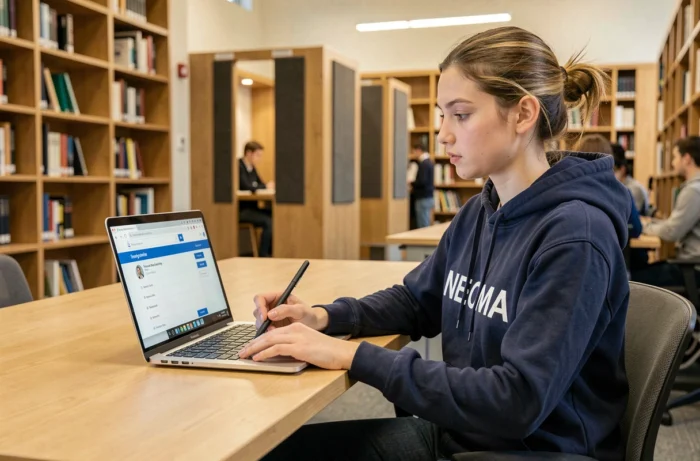
When you join NEOMA Business School, the first week often feels like an administrative marathon. Between activating accounts, configuring emails, and finding schedules, one tool centralizes almost everything: MyNeomaAgora. This student portal hosted on SharePoint supports each student from the first day of classes until the end of their studies, on the campuses of Reims, Rouen, and Paris.
Two distinct identifiers to access NEOMA services
Before even looking for your schedule, it’s important to understand a point that confuses many newcomers. NEOMA does not operate with a single account. Two separate identifiers coexist, and confusing them leads to login errors that are mistakenly perceived as a portal outage.
The first identifier follows the format first.last.xx@first, where “xx” corresponds to the last two digits of your entry year. It is primarily used to connect to the campus wifi network (the network is called “Neoma BS”) and to certain internal services.
The second identifier follows the same logic but with the suffix @neoma-bs.com. This one provides access to your NEOMA email address and the Microsoft Office 365 suite. All official communications from the school are sent through this email address, making it a tool to activate from day one.
In practice, if you cannot log in, first check which identifier the service is requesting. To learn more about the distinction between these accesses and navigation in the MyNeomaAgora student space of NEOMA, the details of each login step are explained step by step.
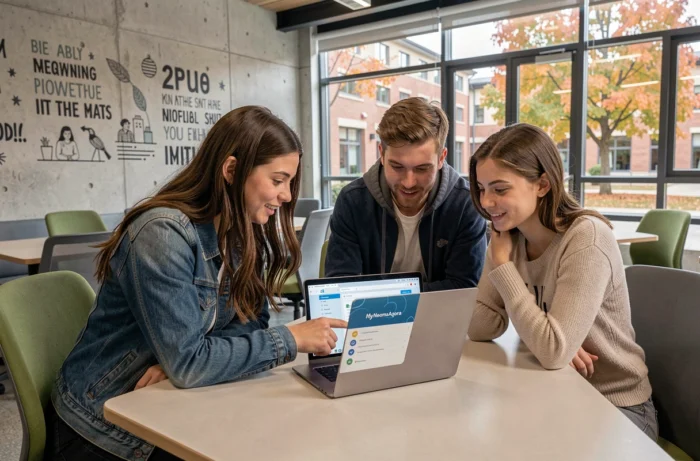
MyNeomaAgora: what the student portal gathers on a daily basis
MyNeomaAgora is built on SharePoint, Microsoft’s collaborative environment. In practice, this means that the interface resembles a corporate intranet more than a traditional mobile app. The homepage is protected by authentication, so there is no public version accessible without an identifier.
Once logged in, the portal provides access to several categories of useful information on a daily basis:
- Course, exam, and event schedules: the calendar is updated by the administration and may vary depending on the program (PGE, apprenticeship, MSc).
- Grades and absences: each student can view their results and attendance tracking, a criterion linked to the maintenance of certain financial aids such as the CROUS scholarship.
- Administrative documents: syllabi, study regulations, teaching contracts, and tuition fee schedules are available on the portal.
- Financial section: invoices and schedules appear in the dedicated section.
All of these functions are accessible from a web browser.
Password reset and technical support on campus
On MyNeomaAgora, the password is the one set during the administrative registration. If you have lost it, the login page offers a link to the reset portal.
In case of persistent issues, the Service Center of the Information Systems Department can be contacted. This channel is distinct from the academic secretary: it exclusively handles technical questions (blocked access, unrecognized identifier, synchronization errors with Office 365).
Some reflexes to avoid blockages
Change your password in the first few days following registration.
Save both identifiers in a password manager as soon as the semester starts. This avoids the confusion that systematically arises when switching from campus wifi to email or the student portal.
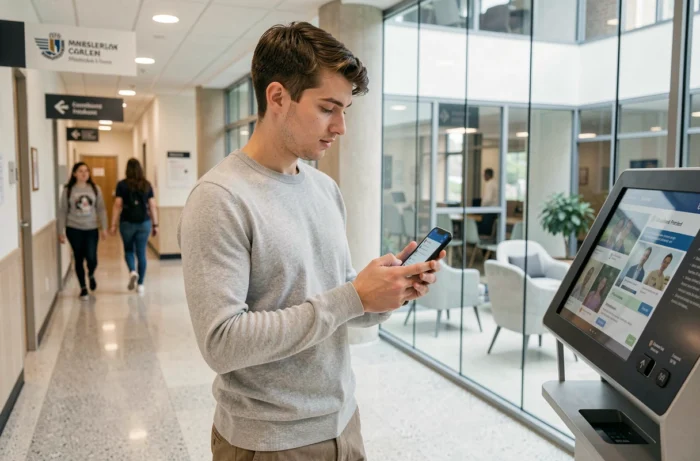
Student life and digital tools related to MyNeomaAgora
MyNeomaAgora does not operate in isolation. NEOMA’s digital ecosystem includes the Microsoft Office 365 license assigned to each student. This license provides access to Word, Excel, PowerPoint, Teams, and OneDrive, with cloud storage available for the duration of the studies.
Teams serves as a communication channel for certain courses and group projects. Teachers share materials and instructions there in addition to the portal. The advantage is that Teams and MyNeomaAgora use the same @neoma-bs.com identifier, which simplifies navigation between the two tools.
For campus life, NEOMA also highlights Facebook groups linked to each hub (Reims, Rouen, Paris). These informal spaces complement the official portal for practical daily questions: housing, carpooling, associative events.
Wellness and support
The portal links to wellness and support services managed by the school. The details vary by campus, but the principle remains the same: MyNeomaAgora centralizes links to support resources, whether for psychological help, guidance, or funding.
The first instinct when arriving at NEOMA is to explore everything at once. It’s better to focus on three actions in order: activate your two identifiers, check that the @neoma-bs.com email works, and then check your schedule on MyNeomaAgora. The rest, such as grades, financial documents, and syllabi, will come naturally over the first weeks of classes.