
You open the Crédit Agricole Côtes-d’Armor application or website, you type your username, and the password doesn’t work. Maybe a typo, maybe a code changed long ago and never noted. The reset procedure on the CA22 portal follows a precise logic, and a few technical details are worth knowing before clicking on “forgot password.”
Regional Portal CA22: Why the URL Matters as Much as the Username
Crédit Agricole operates through regional branches. Each branch has its own online portal. For Côtes-d’Armor, the site is that of the CA Côtes-d’Armor branch (often referred to as CA22), and not the national portal credit-agricole.fr or that of another branch like Languedoc or Brittany.
This point has a direct consequence: a valid username will be rejected if you enter it on the wrong regional portal. Before attempting a reset, check that the URL in your browser corresponds to the Côtes-d’Armor branch. On the Ma Banque app, the regional branch is usually detected automatically, but sometimes an update or a phone change resets this setting.
If you are looking to access my ca22 account online after forgetting your code, the first step is to confirm that you are on the right site before even starting the procedure.
CA22 Password Reset: The Concrete Steps
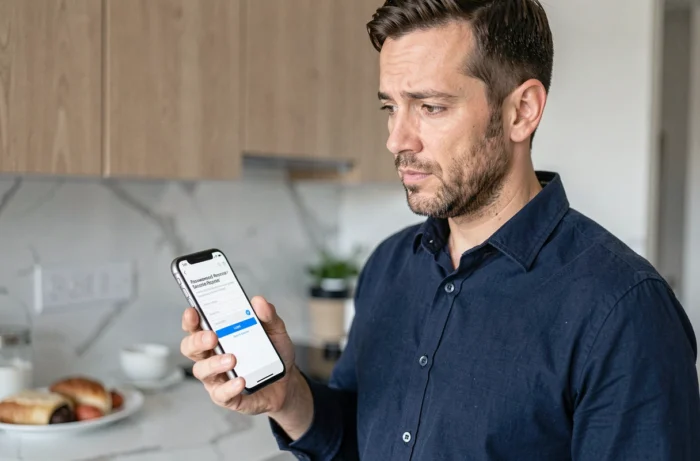
Once on the correct portal, the reset follows a multi-step process. Here’s what happens concretely.
- On the login page, click on the “forgot password” or “forgot personal code” link (the wording varies depending on the site version).
- The system asks for your account number or personal identifier. This is the number provided when opening the account, sometimes visible on your bank statement or initial contract.
- You then receive a temporary code via SMS or email, sent to the backup contact details registered in your client file.
- This temporary code allows you to set a new password. It expires after a few minutes, which requires you to enter it quickly.
The procedure relies entirely on the backup contact details registered with your branch. If your mobile number or email address is no longer up to date, the reset code will never arrive. In this case, you need to contact your Crédit Agricole Côtes-d’Armor branch directly to update your information.
Strong Authentication SécuriPass and Forgotten Password
You may have noticed that a simple reset via SMS resembles procedures from ten years ago. In reality, Crédit Agricole has gradually integrated its strong authentication system, called SécuriPass, into most of its online processes, including password recovery.
SécuriPass sends a notification to your trusted device (the phone on which the Ma Banque app is activated). You validate this notification, sometimes by entering a one-time code, and the bank confirms your identity before allowing you to choose a new password.
This mechanism stems from the European DSP2 directive, which requires double verification to secure sensitive operations. Resetting access codes to your client area falls into this category.
What to Do if SécuriPass No Longer Works?
If you have changed your phone or uninstalled the Ma Banque app, SécuriPass is no longer active. Without a registered trusted device, strong validation is impossible remotely. There are two solutions:
- Reinstall the Ma Banque app on your new phone and reactivate SécuriPass. This operation sometimes requires an activation code provided by your branch.
- Visit the branch with an ID. An advisor can reset your access and re-register your trusted device in a few minutes.

Phishing and Fake Reset Forms: Traps to Know
Phishing campaigns targeting Crédit Agricole customers have multiplied in recent years. SMS and emails mimic the bank’s login pages to retrieve your credentials and banking data.
The classic scenario: you receive a message indicating that your account is blocked, with a link to a fake reset form. The page looks exactly like the CA22 portal, but the URL is different. Crédit Agricole never asks for your password via email or SMS.
Some simple reflexes can protect your account:
- Always check the URL before entering anything. The legitimate site of your regional branch uses a domain name in credit-agricole.fr or ca-cotesdarmor.fr.
- Do not click on a link received via SMS or email to reset your password. Open the site yourself in your browser.
- If in doubt, call your branch directly. The number is on your bank statements, not in the suspicious message.
The increase in these attempts partly explains why Crédit Agricole has strengthened its procedures with SécuriPass. Two-factor authentication makes password theft alone insufficient to access an account.
Keeping your backup contact details up to date, activating SécuriPass on a reliable phone, and systematically checking the CA22 portal URL before any entry: these three habits cover almost all the blocks encountered when forgetting a password on Crédit Agricole Côtes-d’Armor.